

AutoCAD Training in Bangalore
Autocad is a product of Autodesk. Autodesk Inc is an American Multinational software Corporation that makes software for Architecture ,Engineering, Construction ,Manufacturing ,Media and Entertainment Industries.Ace Careers is Autodesk Licensed Training Institute in Jayanagar 3rd block Bangalore. Autocad is the most widely used Design software for all 2D Design of Residential and Commercial Buildings worldwide
Everyone dreams of owning a home or building a space for business, making the construction industry ever-demanding. Civil engineers play a vital role in designing, planning, and constructing residential and commercial buildings globally.
Design
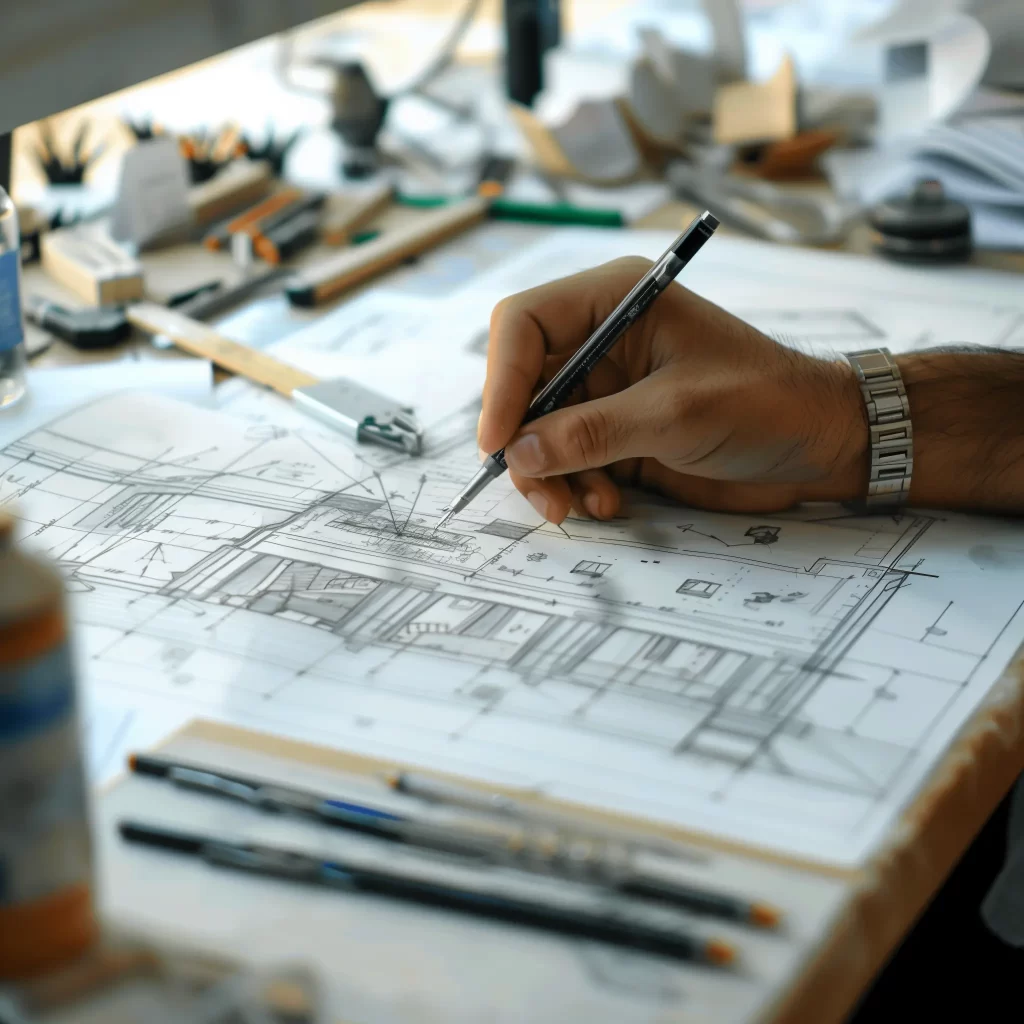
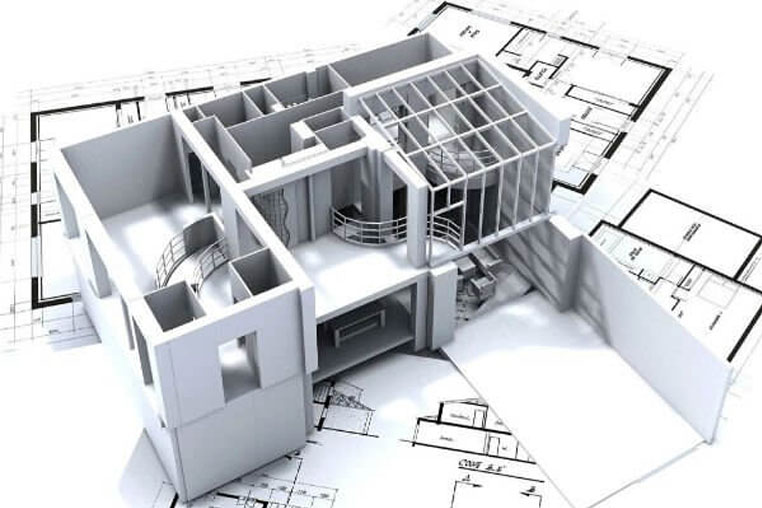
- For Every Building Construction, the Building plan is the most important part. Only After the design is developed the construction work shall begin. For developing the basic plan for construction of building Autocad Civil is used.
- Autocad Civil Training – Scope, Implementation, Application and Job Opportunities
- Civil engineering deals with planning, designing, constructing, maintaining, and operating infrastructures while protecting the public and environmental health as well as improving existing infrastructure. Without Civil engineers None of the major building across the world would exist Civil engineering deals with the development of better infrastructural facilities to sustain an eco-friendly environment.
- The construction and infrastructural development projects including town planning are on the rise now and will demand more domain specialists.
- In search of comfortably safe homes, better roads and standardised living, the demand for civil engineers are to raise more.
AutoCad Course Syllabus
- Navigating the Working Environment
- Working with Files
- Displaying Objects
- Inputting Data
- Creating Basic Objects
- Using Object Snaps
- Using Polar Tracking and Polar Snap
- Using Object Snap Tracking
- Working with Units
- Selecting Objects in the Drawing
- Changing an Object’s Position
- Creating new Objects from Existing Objects
- Changing the Angle of an Object’s Position
- Creating Object Patterns
- Changing an Object’s Size
- Using Layers
- Changing Object Properties
- Quick Properties
- Matching Object Properties
- Using the Properties Palette
- Using Line Types
- Using Inquiry Commands
- Trimming and Extending Objects to Defined Boundaries
- Creating Parallel and Offset Geometry
- Joining Objects
- Breaking an Object into Two Objects
- Applying a Radius Corner to Two Objects
- Creating an Angled Corner between Two Objects
- Changing Part of an Object’s Shape
- Using Layouts
- Using viewports
- Creating Multiline Text
- Creating Single Line Text
- Editing Text
- Using Text Styles
- Creating Dimensions
- Using Dimension Styles
- Using Multileaders
- Editing Dimensions
- Hatching Objects
- Editing Hatch Objects
- Using Blocks
- Working with DesignCenter
- Using Tool Palettes
- Working with Polylines
- Creating Splines
- Creating Ellipses
- Using Tables
- Using Page Setups
- Plotting Drawings
Using Drawing Templates
Creating Isometric Drawing
StudentsTestimonial
Lorem ipsum dolor sit amet, consectetur adipiscing elit. Ut elit tellus, luctus nec ullamcorper mattis, pulvinar dapibus leo.

Previous
Next

